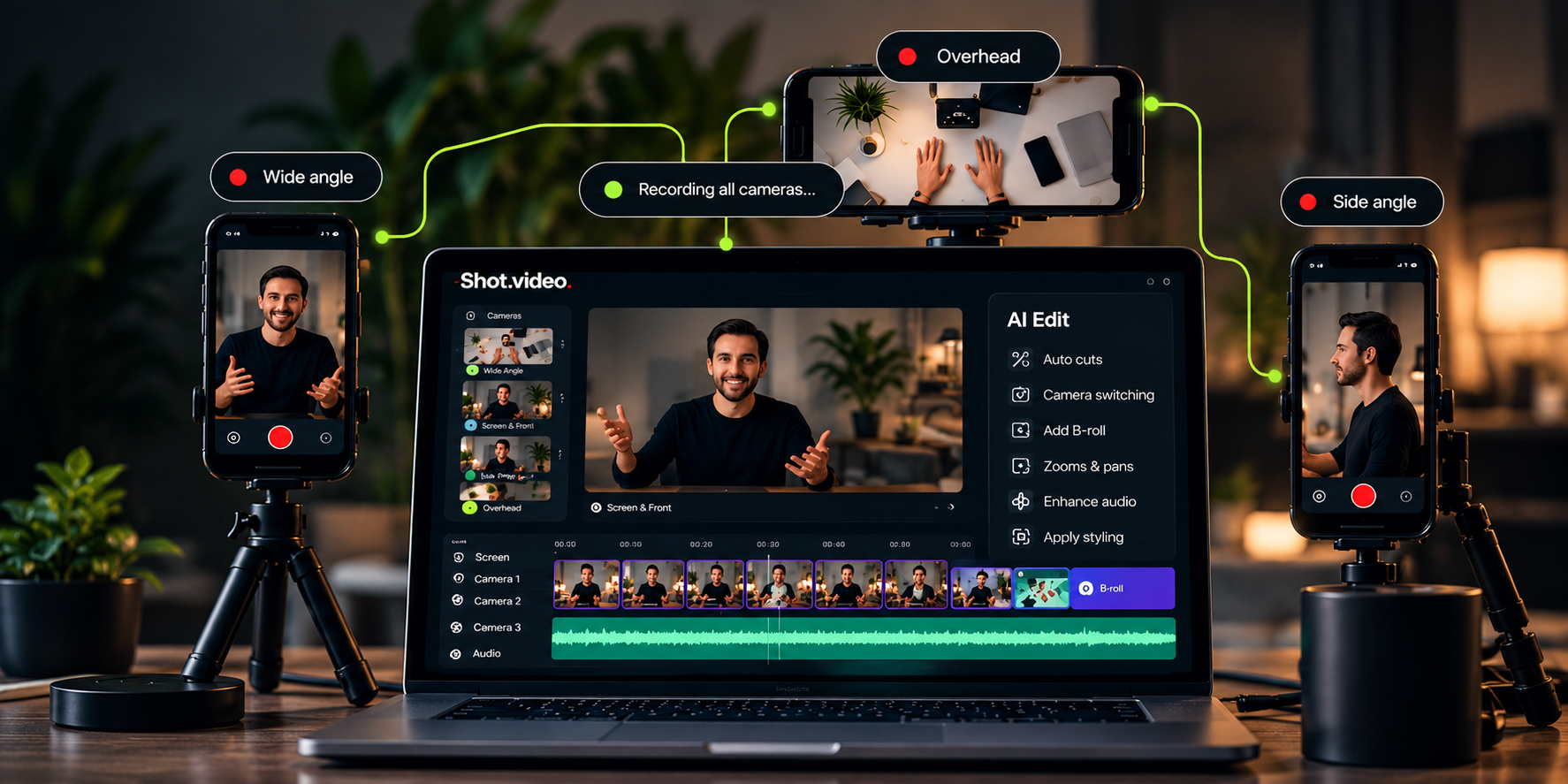
How are camera shots selected?
AI moves between camera angles, including when you look into a different camera. You can change every shot.
Your cameras · More angles · Better videos
Your laptop and phones become your own multi-camera studio. Press record once. Shot.video syncs every angle and uses AI to create your first edit.
Connect your phones by QR code. No app to install.
You don’t need to be a video producer to make videos like one.
Multi-Camera
Recording
AI-Powered
Editing
B-Roll & Effects
Auto Zoom & Pan
How it works
Scan a QR code and any phone becomes another camera angle. Press record once, and Shot.video records every device in sync, then AI turns the footage into your first edit. No crew, no extra kit.
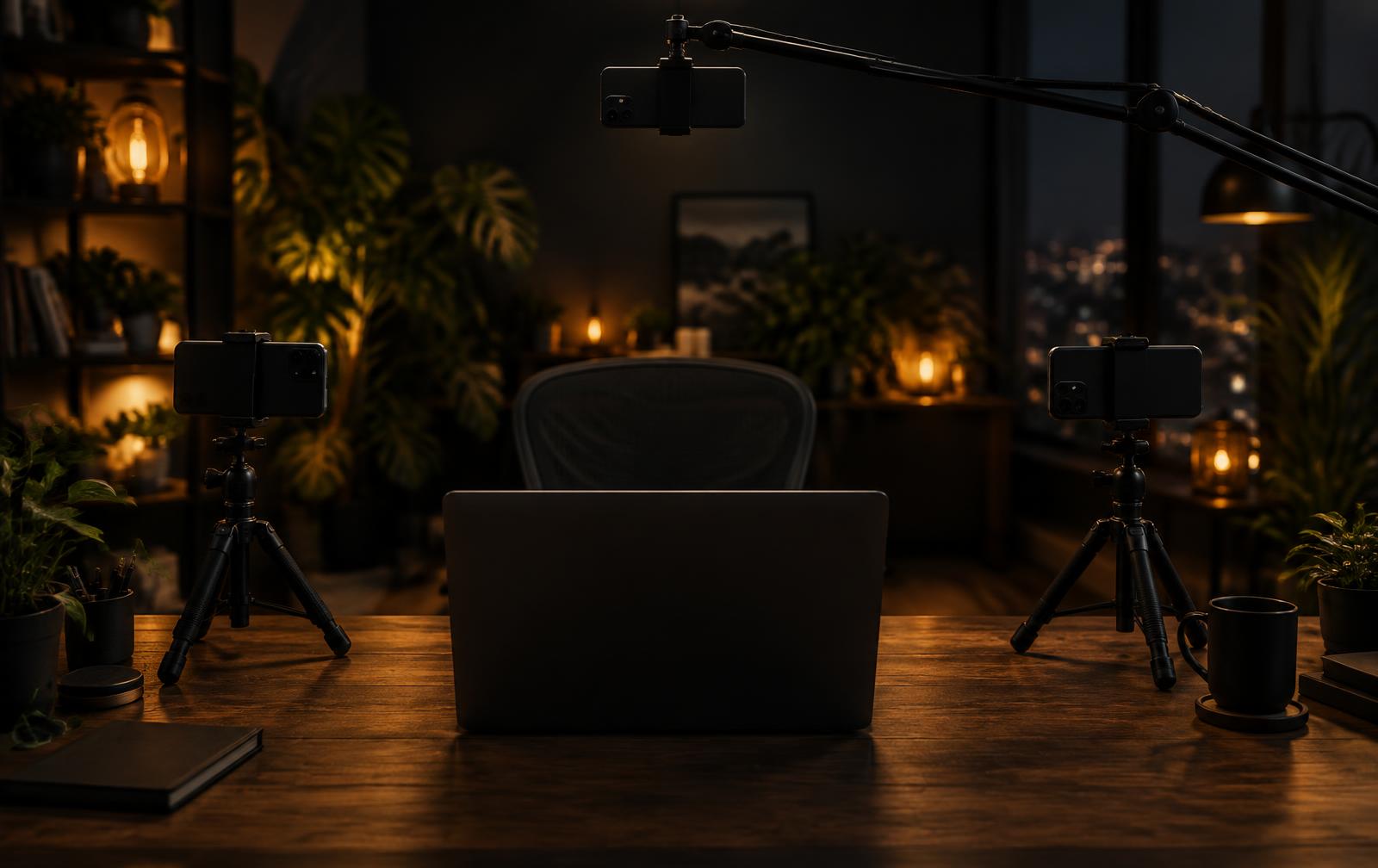
Scan a QR code to connect one or more phones. Bring your screen and laptop camera into the same recording.
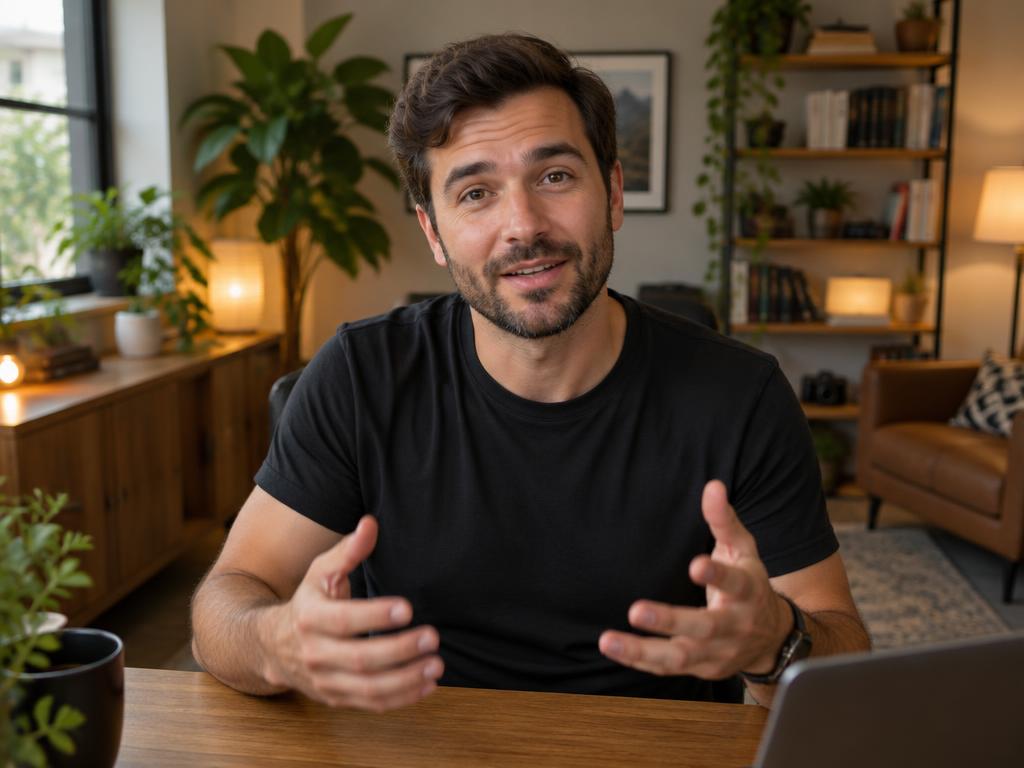
Start once and capture your connected cameras, screen and audio together, in sync.
AI cuts between angles, adds screen zooms and pans, and suggests B-roll for you to approve.
AI editing
Other AI tools help you edit video you already have. Shot.video helps you make a kind of video you couldn’t before: it picks the best camera for each moment, zooms into the busy part of your screen and suggests B-roll. Every choice stays editable.
AI moves between camera angles, including when you look into a different camera. You can change every shot.
AI suggests cutaway pictures and short clips over long talking stretches. You approve each one, then trim, crop or move it.
Screen zooms glide in on the area that's changing and hold there, instead of snapping in and out.
Show your screen clean, in a browser frame, or as a 3D showcase.
Your laptop mic plays under every shot, lined up with each camera. A phone's own mic can take over when it's closer to the speaker.
A phone becomes a camera by scanning a QR code. No app to install.
AI-generated B-roll
B-roll breaks up a long talking shot with a picture or short clip that shows what you're describing. ShotVideo suggests the moment and the idea. You decide what makes the cut.
Approve each suggestion, then move, trim or crop it to fit.
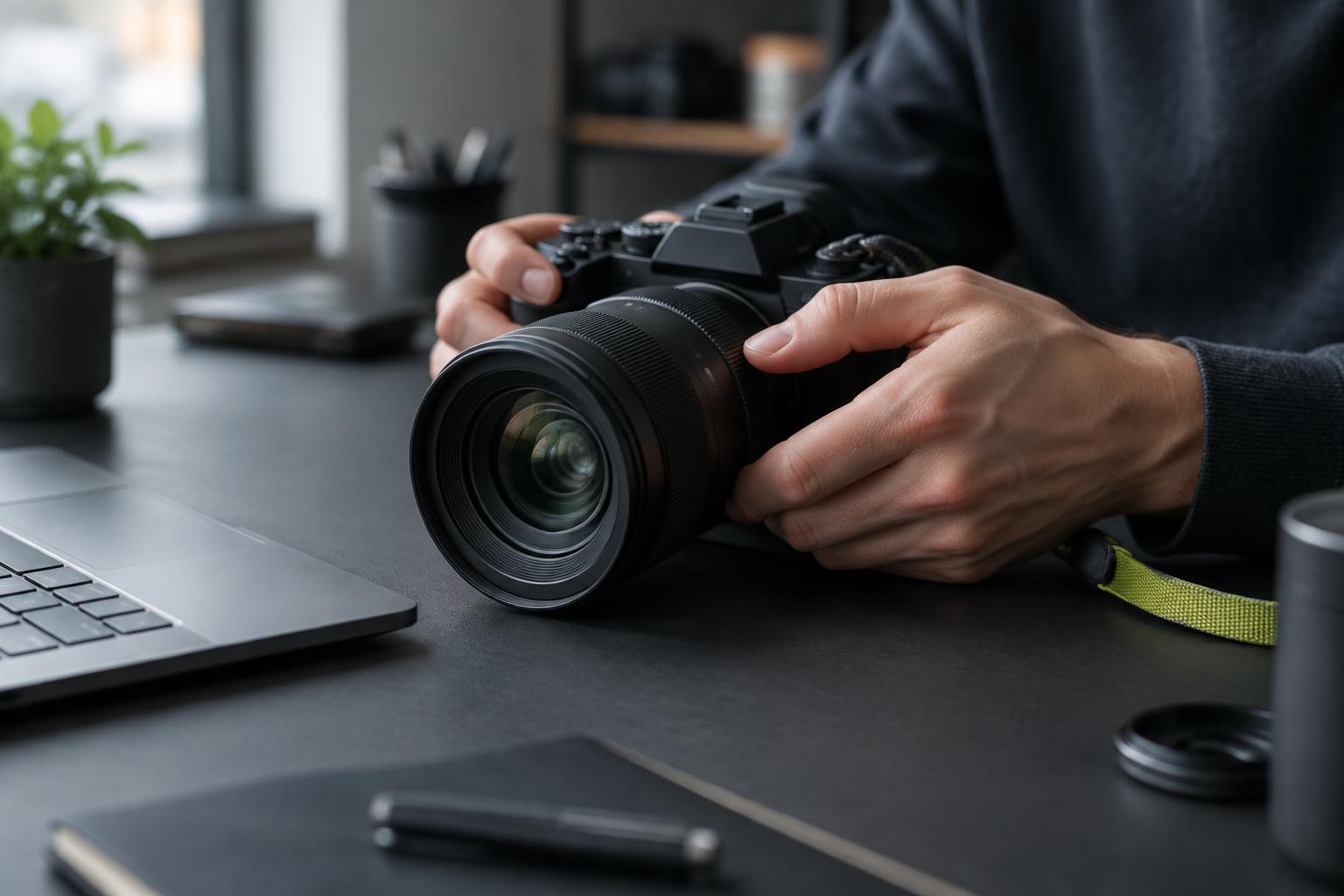 B-roll cutaway
Your voice continues underneath.
Raw footage → polished video
Record the way you normally would. Shot.video turns it into a single, share-ready edit that combines your screen, you and every extra angle.
 AI edit
Illustrative example.
Use cases
Everyday videos that look better with more than one angle: demos, tutorials, courses, updates and more. No film crew needed.
Show the product, the presenter and the details that matter in one clear video.
Read more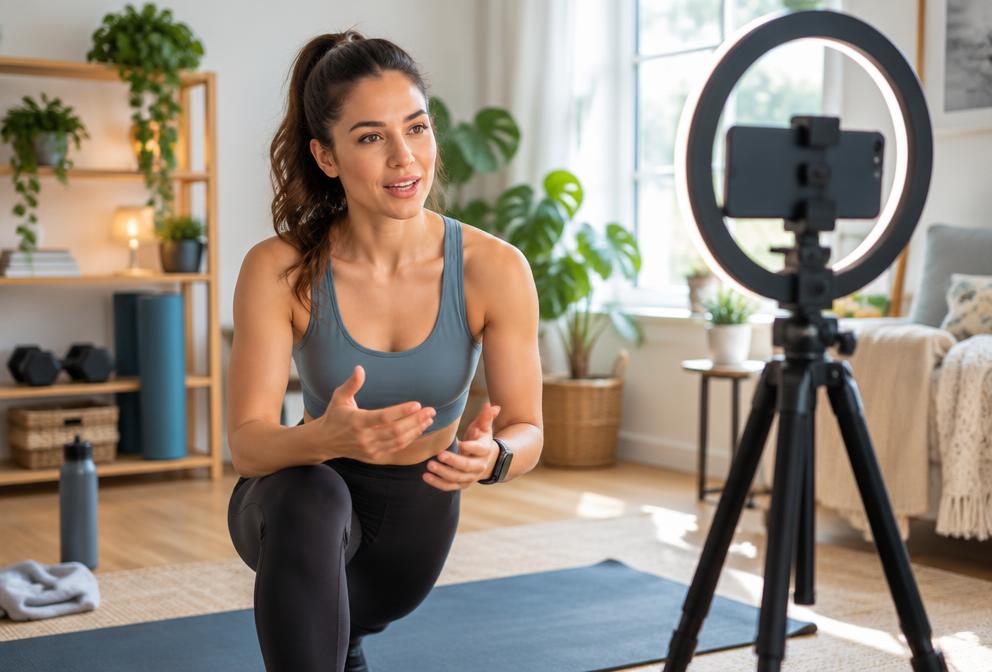
Mix presenter, screen and demonstration footage to keep lessons engaging.
Read more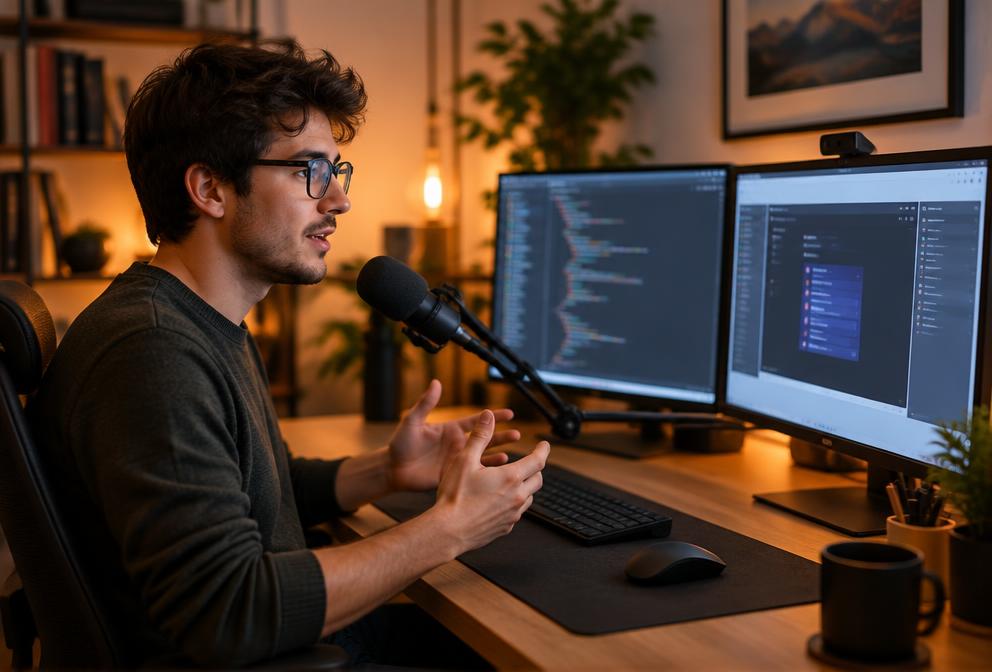
Explain software or a process with screen capture and extra camera angles.
Read more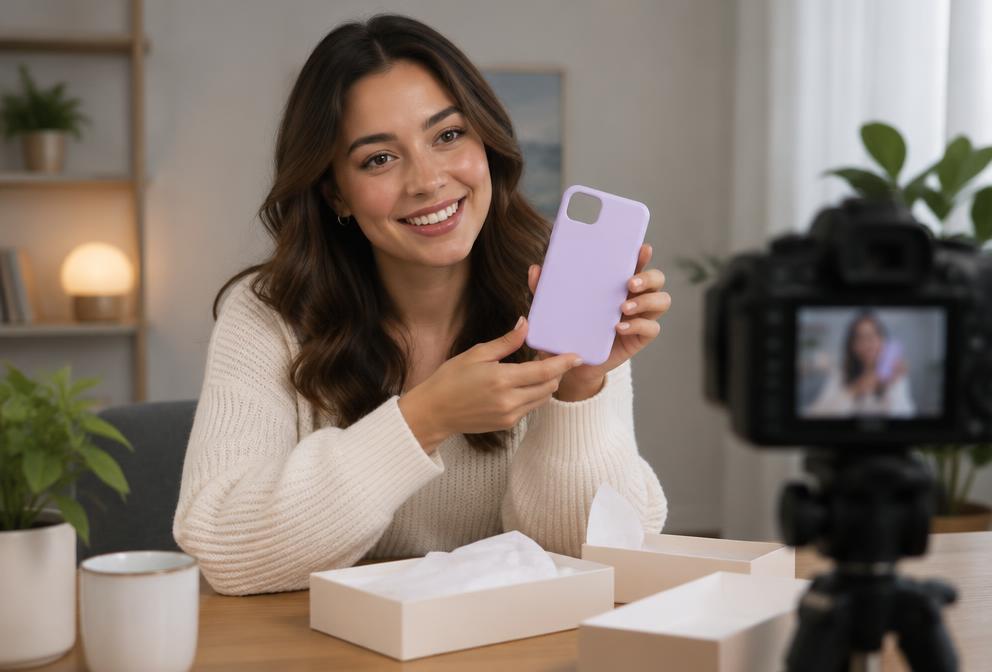
Capture the main view, close-ups and overhead angles without a complex setup.
Read more
Clearer training, product updates and internal communications.
Read more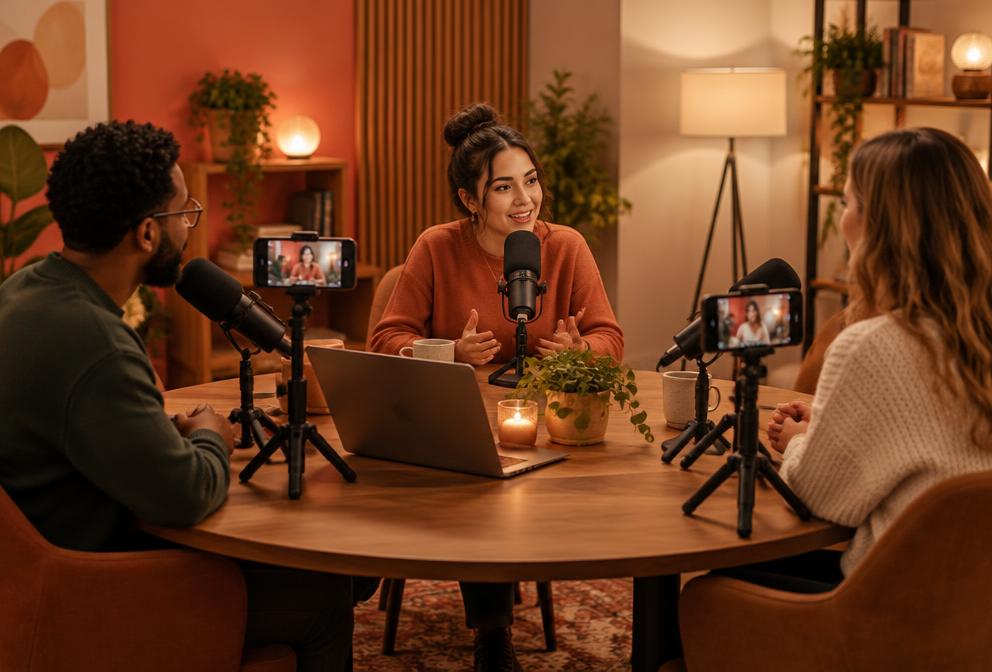
Give every guest their own phone camera, and the edit cuts to whoever is speaking.
Read more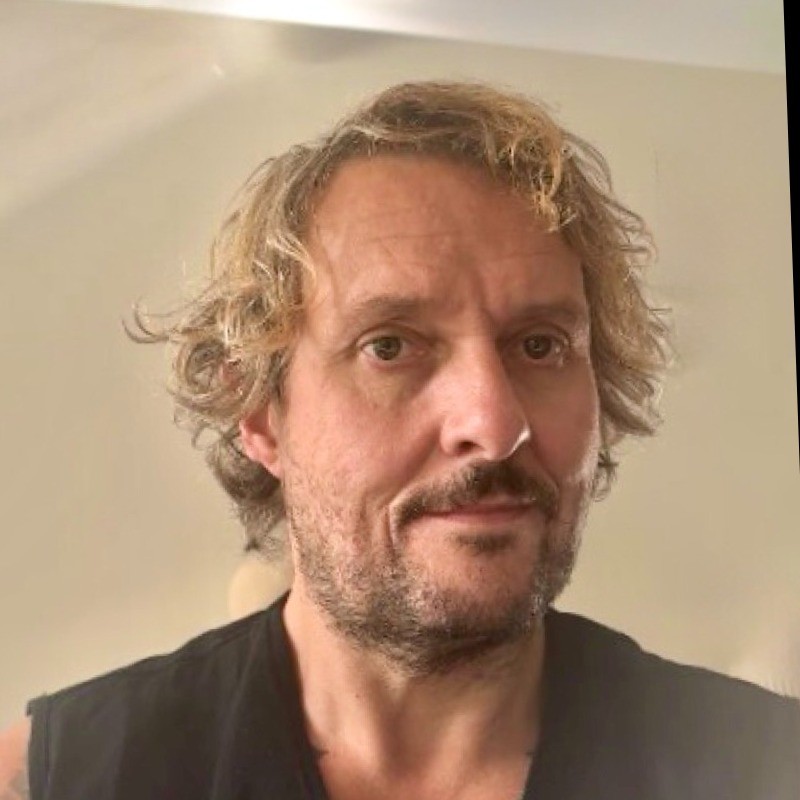
Our story
Shot.video came from a frustration I’d lived with for more than 20 years: knowing what would make my videos better, but finding it too complicated and time-consuming to do. I’ve been building businesses and making videos about them all that time. Usually with one camera, a microphone and a screen recording.
Not because I didn’t want different angles or well-placed B-roll. I did. But setting up more cameras, keeping everything in sync and spending hours editing it together? When turning on one camera already feels like enough, adding three more can feel impossible.
So I asked: what if you could connect a few phones, press record and let AI do the complicated stuff? That’s why I built Shot.video. For people like me who want to make better videos—not become professional video producers.
Just record. Let Shot.video do its thing. And make something that looks amazing.
— Ian Naylor, founder
Read the founder storyFAQ
Start with ShotVideo’s free plan, connect your devices and record once. No card is needed.