The video-led GTM stack: record, present, test and measure your demo
By Ian Naylor ·
Drafted with AI assistance, then fact-checked and edited by Ian Naylor before publishing.
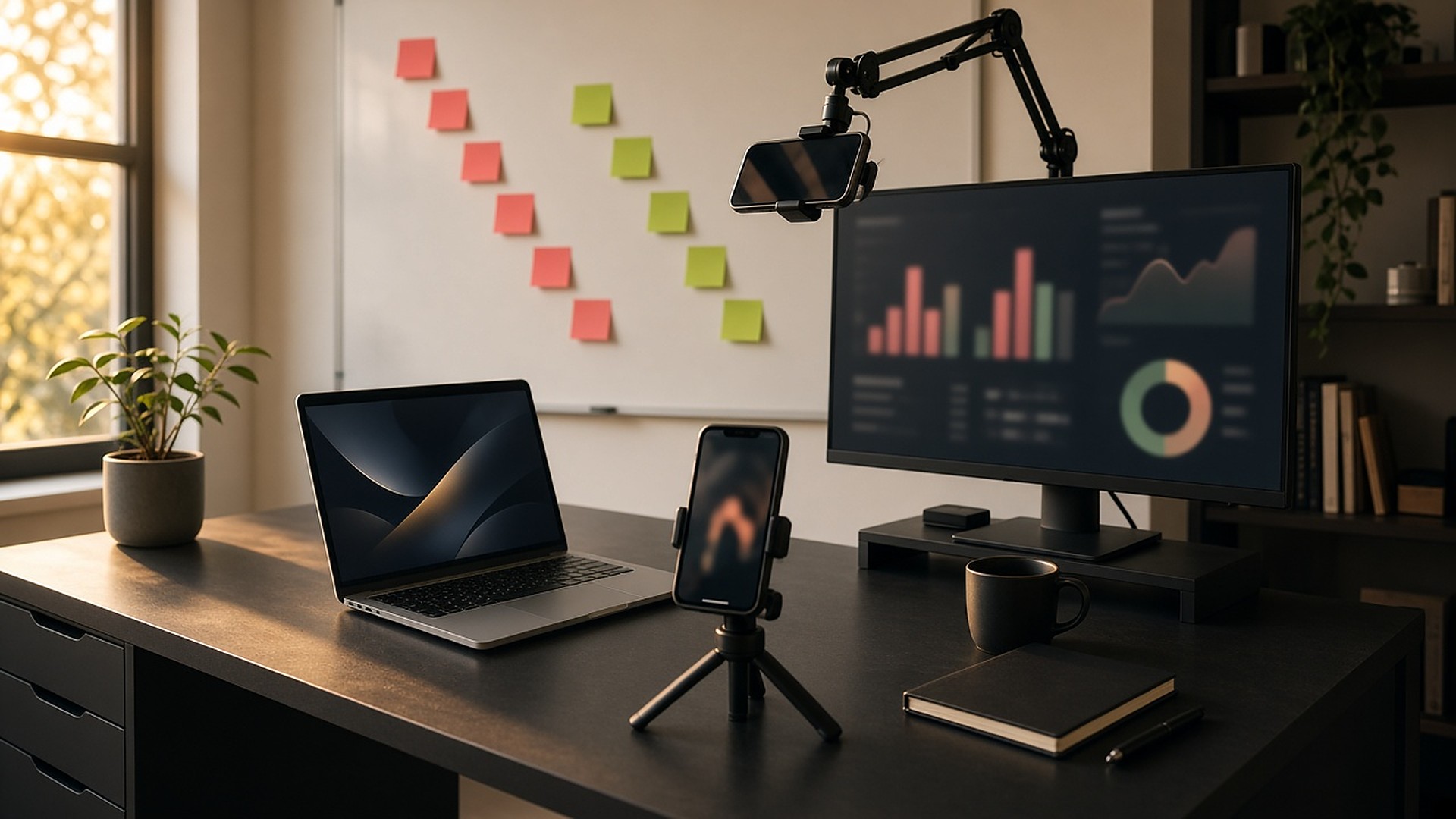
Most small SaaS teams do not have a go-to-market problem so much as a repetition problem. The founder gives the same demo twenty times a month, the landing page never gets tested, and nobody is sure which changes actually moved revenue. A video-led SaaS GTM stack fixes that by turning your best demo into an asset, putting it in front of buyers on demand, improving the page it lives on and measuring what happens next.
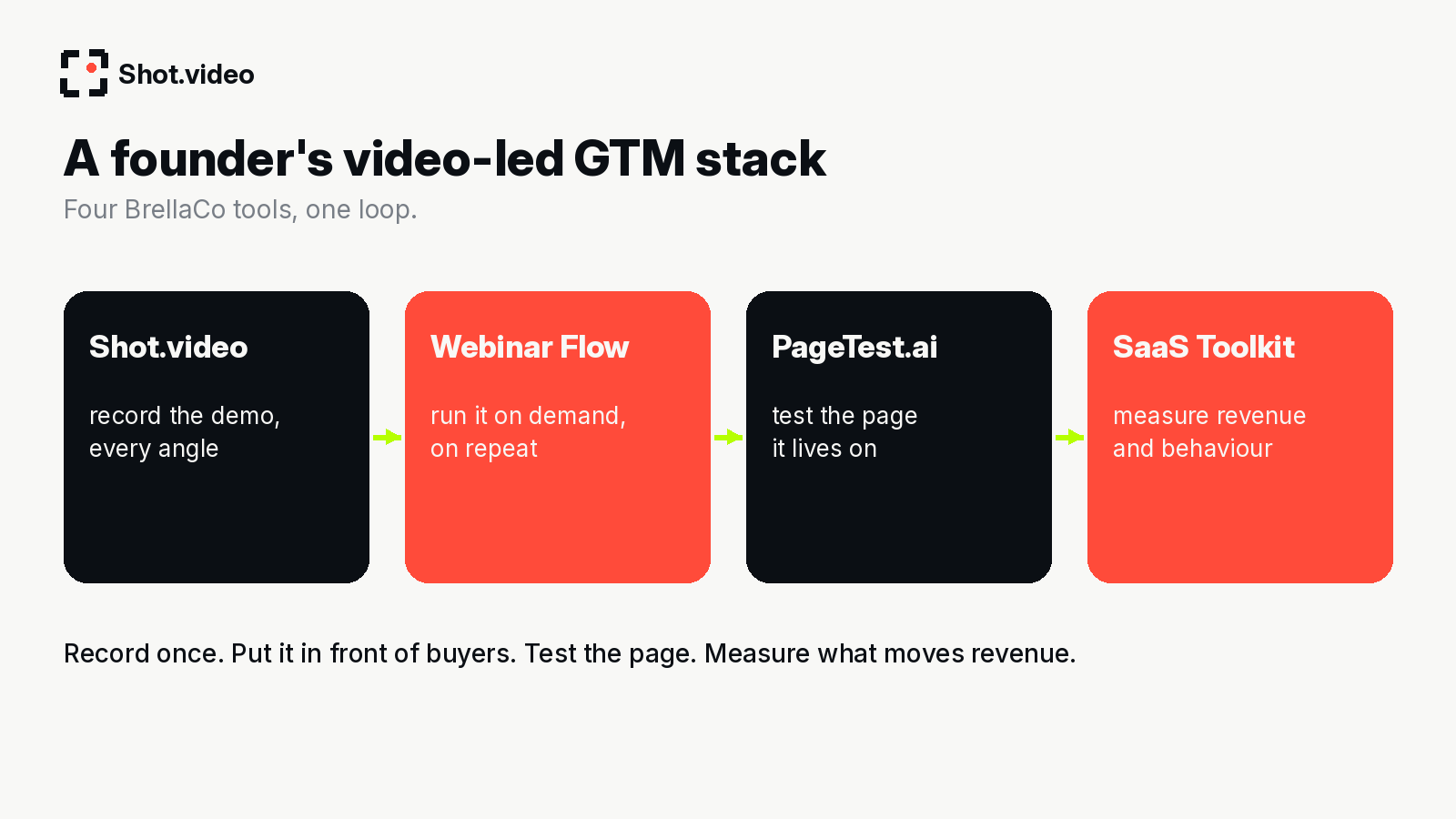
This post walks through one loop using four independent tools from the BrellaCo portfolio. Each does one job well, and none depends on the others, so use whichever pieces you need.
The problem with demo-led growth for small teams
- Your best pitch happens on a good day, then it is gone.
- Live demos do not scale with a founder's calendar.
- Landing pages go untested because there is always something more urgent.
- Analytics are scattered, so you cannot tell whether a new video or a new headline did anything.
Step 1: record the demo with Shot.video
Start with the asset. Here is what Shot.video actually does, in plain terms. You record your screen, laptop camera and microphone, and add two to five phones as extra cameras by scanning a QR code. Nothing is installed on the phones; their browser does the recording. One button records every device in sync. Afterwards, AI builds a first edit: it cuts to the camera you are looking at, glides in on the part of the screen that is changing and holds there, and suggests B-roll cutaways you approve, trim, crop or move. You can also upload your own B-roll. Every choice stays editable.
For a demo, a laptop plus one or two phones (close-up and wide) is plenty. The structure and script are in how to record a product demo, and the persona view is in product demo videos.
Step 2: run it on demand with Webinar Flow
A recorded demo sitting in a folder does nothing. Webinar Flow runs your best pitch on demand, on repeat, so prospects can book in and watch when they are interested rather than when your calendar allows. Webinar Flow needs a great presentation; Shot removes the production bottleneck. See Webinar Flow's complete guide to evergreen webinars and its 50 SaaS demo rules for how to structure the session itself.
Step 3: test the page it lives on with PageTest.ai
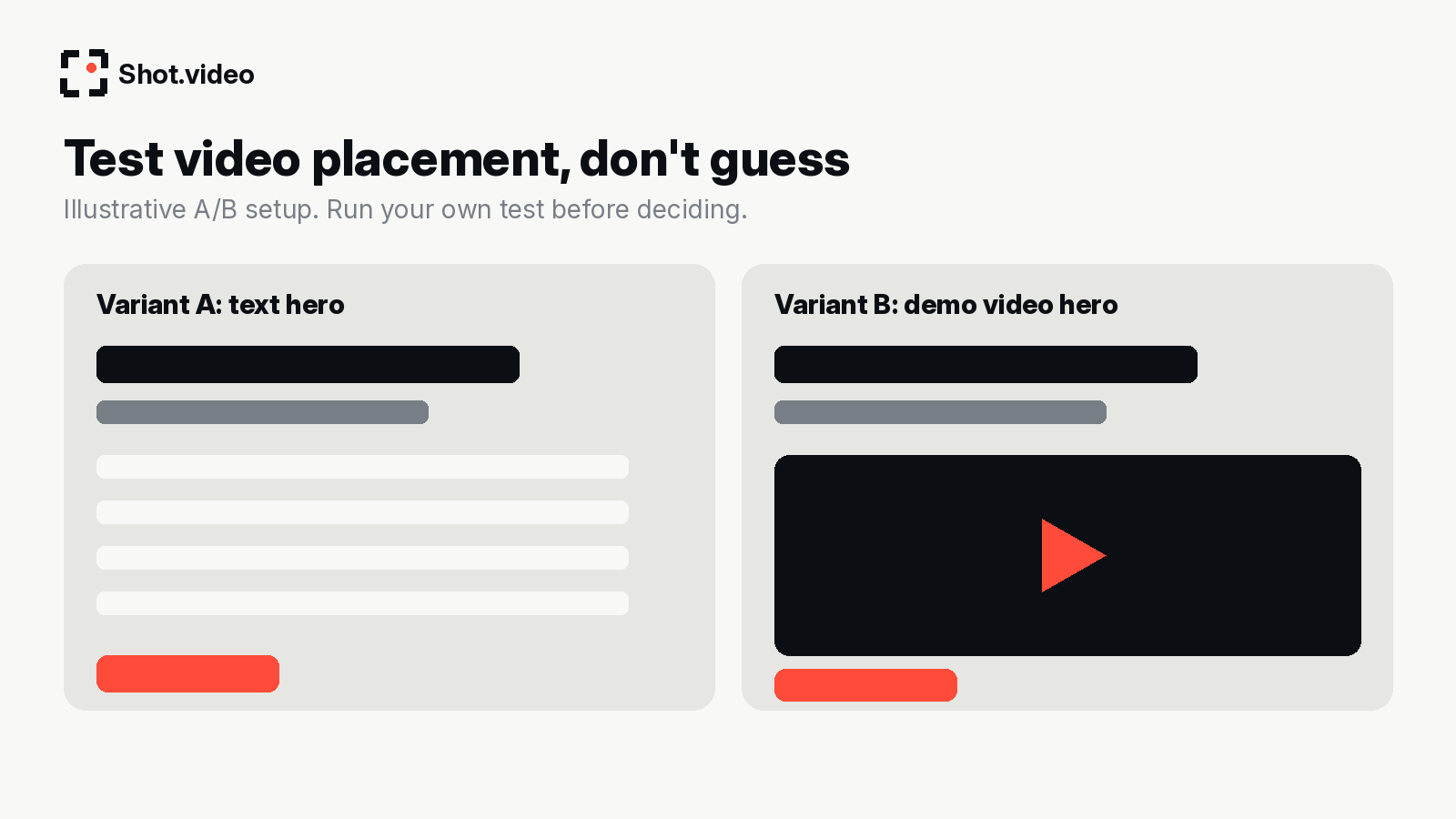
Where the demo sits matters. Should the hero be a headline and a button, or a demo video? Should "Watch the demo" or "Book a demo" be the main call to action? Do not guess: test. PageTest.ai is built for website content testing; its posts on how search intent impacts conversions and multi-armed bandit vs A/B testing are useful background.
Step 4: measure revenue with SaaS Toolkit
Finally, close the loop. SaaS Toolkit describes itself as SaaS analytics tied to Stripe revenue, plus behaviour emails, AI support chat, ad conversions and an AI SDR. The question to answer is simple: did people who watched the demo or saw the new page activate and pay more often? Its guides on funnel analytics for SaaS and freemium conversion rate explain what to look at.
Which tool does which job
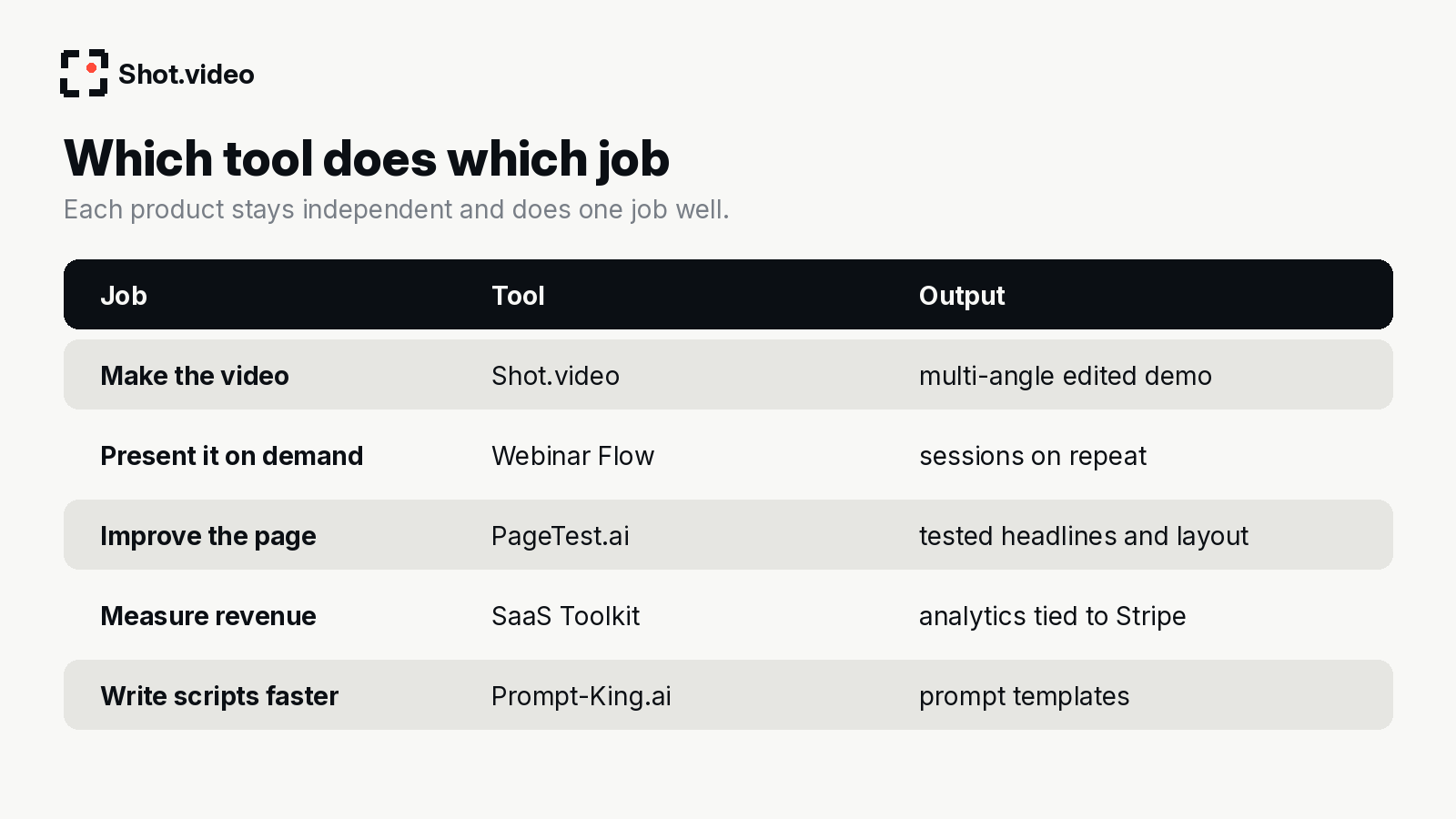
Writing the script is often the slowest part of all. A prompt directory such as Prompt-King.ai can speed up first drafts of demo scripts, outlines and follow-up emails; always edit the result into your own voice.
A weekly loop for a small team
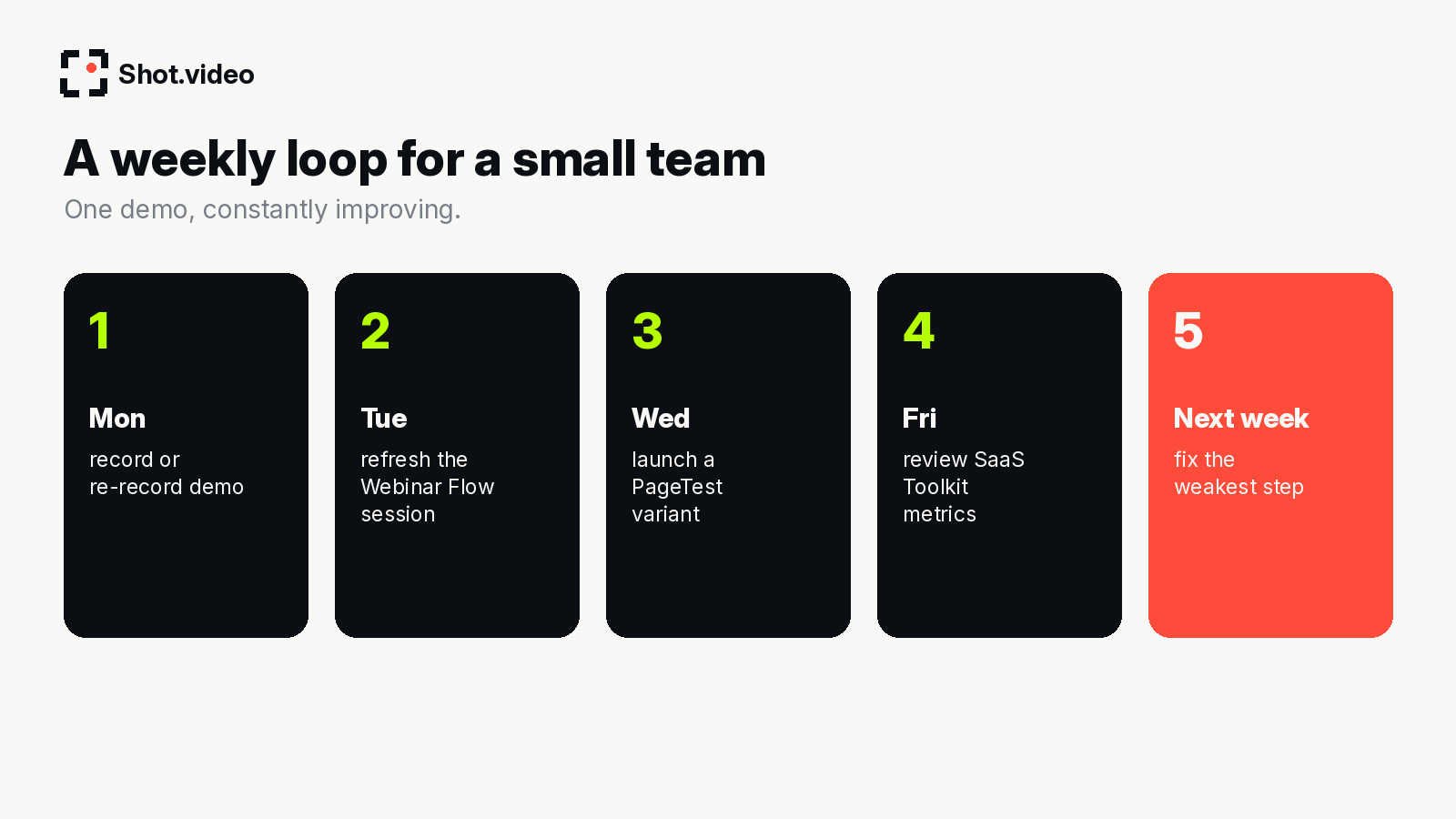
Here is an example cadence, not a rule:
- Monday: re-record the demo if the product or pitch changed. With the rig already set up, it is one take.
- Tuesday: refresh the on-demand session in Webinar Flow with the new recording.
- Wednesday: launch one page test, such as video hero vs text hero.
- Friday: review the metrics: watch-to-signup, signup-to-paid.
- Next week: fix the weakest step in the loop.
Tips
- Change one thing at a time, or you will not know what worked.
- Keep the demo short on the page and the long version in the on-demand session.
- Re-record rather than patch. An up-to-date demo beats a clever edit of an old one.
- Write down what you learn so the next demo starts from the best version.
Mistakes to avoid
- Buying every tool at once. Start with the step that hurts most.
- Testing before you have enough traffic to learn anything.
- Measuring views instead of revenue.
- Letting the demo go stale while the product moves on.
A worked example: one founder, one month
Illustrative only. A founder of a small B2B SaaS product was giving the same 30-minute demo several times a week. In week one she records her best version with Shot.video: laptop for the product screen and her face, a phone at a side angle for a more personal feel. The first edit cuts between her and the screen and zooms into the features that matter. In week two she uses that recording in Webinar Flow so prospects can watch on demand, and she joins live only when someone is ready to talk. In week three she runs a page test with PageTest.ai: the existing text hero against a version with a short demo clip. In week four she checks SaaS Toolkit to see whether watchers activated and paid more often than non-watchers. Whatever the result, she now has a loop that improves every month instead of a demo that lives only in her calendar.
Start with the step that hurts most
- No good demo video yet? Start with Shot.video.
- Good demo, too many live calls? Start with Webinar Flow.
- Traffic but low signups? Start with PageTest.ai.
- No idea what is working? Start with SaaS Toolkit.
FAQ
Do these tools need to be used together?
No. Each is independent. They simply fit well in sequence.
How do Shot.video and Webinar Flow fit together?
Record your demo with Shot.video, then use the finished video as the presentation you run in Webinar Flow. They are independent products; check each one's current documentation for how to add your video.
What should I record first?
Your best-performing live demo, the version you would give your most important prospect.
Related: record your best pitch once, run it on repeat · business and team update videos
Make your next video your best one yet
Your laptop. Your phone. Your screen. One recording. AI does the editing. Scan a QR code to add phones as extra cameras (no app to install), press record once, and get a polished, multi-angle first edit with smart cuts, zooms and B-roll. Get started free with Shot.video.