How to Film a Multi-Camera Video With Just Your Laptop and Phone
By Ian Naylor ·
Prepared with AI assistance. Sources and references are linked below.
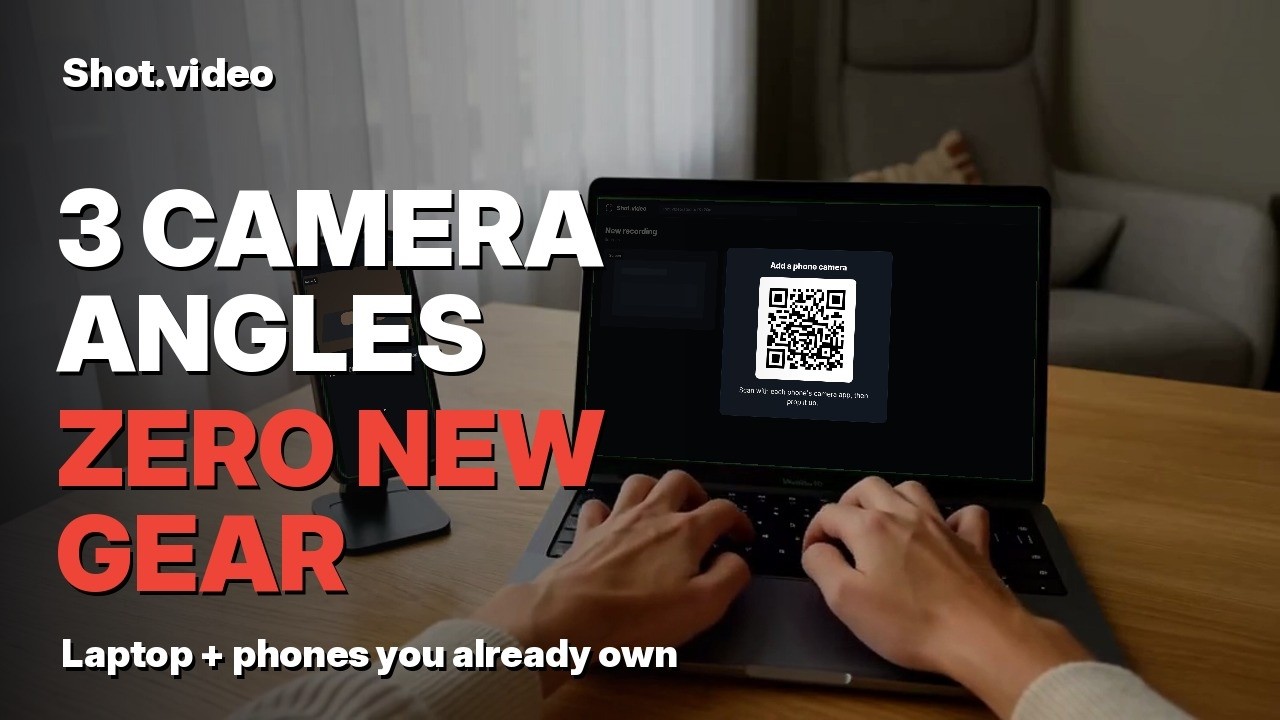
Shot.video lets you film a multi-camera video with the devices you already own: your laptop and one or two phones. Phones join by QR code with no app to install. You press record once, Shot.video syncs every angle with your screen and audio, and AI makes your first edit. No extra cameras. No complicated setup. No editing skills needed.
Below is the same setup in short steps, so you can follow along at your desk.
Why is one flat screen recording not enough?
Most demos and tutorials are one flat screen recording. Nothing moves, and viewers drift off. You don't need new gear to fix that. You already own more cameras than you think.
With Shot.video you can make multi-camera videos with the devices you already own. No extra cameras. No complicated setup. No editing skills needed.
How do you connect your phones by QR code?
Open Shot.video in your browser. Add a camera and it shows a QR code. Scan it with your phone. There's no app to install. Your phone is now a camera angle.
Do the same with a second phone. Each one joins the same recording. An old phone works fine here. If you want more detail, see our guide on how to use your phone as a second camera.
Where should you place your devices?
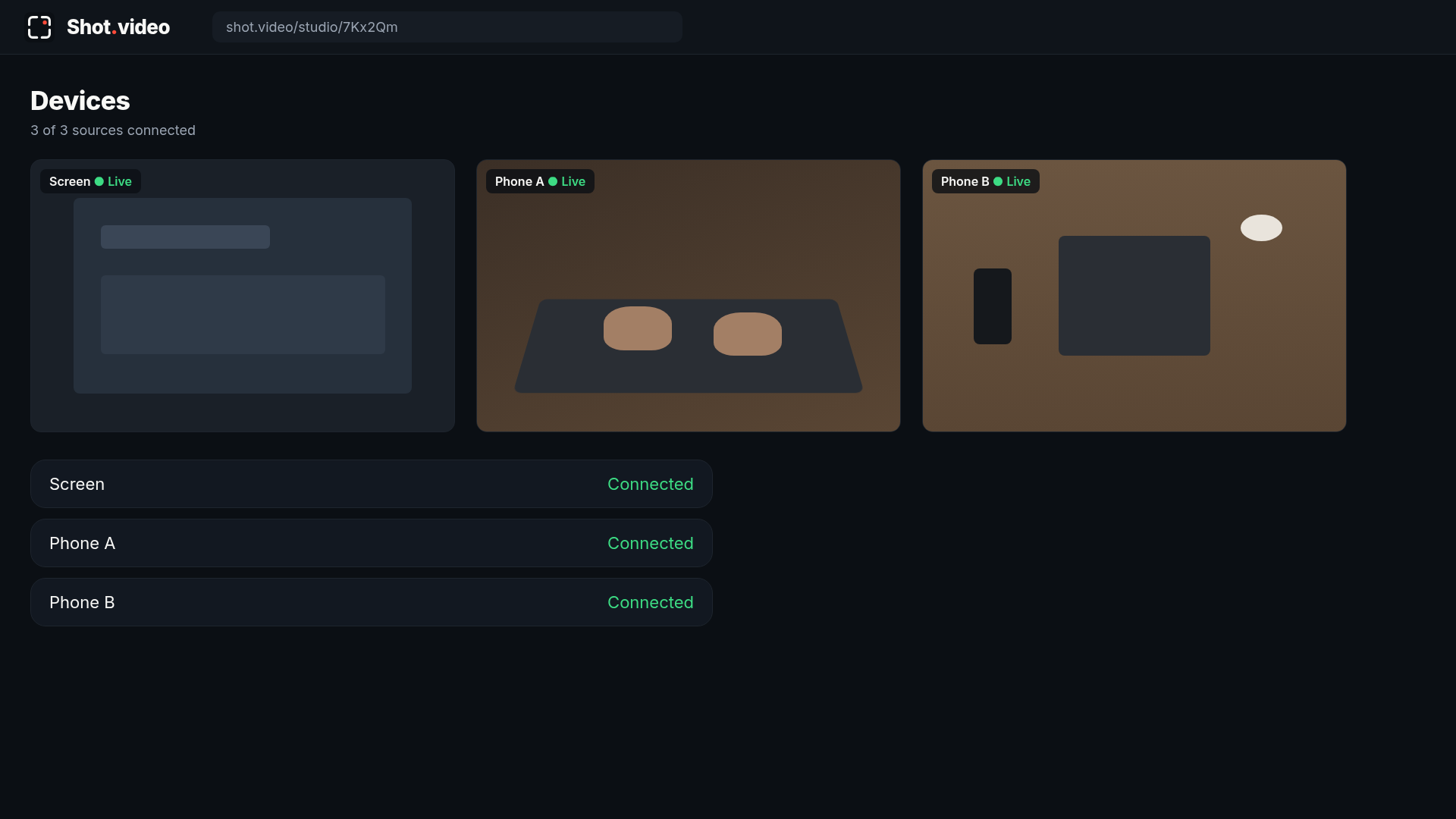
You only need three positions:
- Phone A, on your hands: low and to the side, about 30 to 40 cm away at roughly 45 degrees. A stand or a stack of books works.
- Phone B, overhead: on a clamp or a shelf edge, looking straight down at the desk.
- Your screen: the laptop is the third angle. Its mic can record your voice.
Put your light in front of the desk, not behind it, and turn phone notifications off. For more on the top-down shot, read our overhead camera setup guide.
How do you record every angle at once?
Press record once. Every angle, your screen and your audio record together, in sync. There's nothing to line up later.
Then just do your task and talk it through. In the video, it's a short 20-second screen task.
How does AI make your first edit?
When you stop, Shot.video uses AI to create your first edit. It cuts between angles, zooms and pans on your screen, adds punch-ins, and suggests B-roll for you to approve.
You stay in control. Keep the cuts you like and change the ones you don't.
Why do more camera angles help?
A change of angle gives the viewer something new to look at. Hands on the keyboard show what you're doing. The overhead shot shows the whole desk. The screen shows the detail. Cutting between them keeps a tutorial or demo easy to watch. Recording several cameras at once is a long-established technique, known as a multiple-camera setup, and Nielsen Norman Group's video usability research stresses keeping instructional video focused and engaging.
Was the video above made this way?
The video above was recorded and edited this way. If you have a laptop and a phone, you have the studio.
Want the full picture? Read our multi-camera recording guide.
Get started free at shot.video.