Best Loom alternatives in 2026 (for multi-angle video)
By Ian Naylor ·
Drafted with AI assistance, then fact-checked and edited by Ian Naylor before publishing.

If you are looking for a Loom alternative, the right pick depends on why you are leaving. Do you want a lower price, a polished look, a Mac-native editor, or video that looks properly produced with more than one camera? This list is grouped by that need. Every pricing or feature claim links to the vendor's own page, checked on 29 October 2026. Prices change, so click through before you buy.
First, what Loom offers
Loom's pricing page lists a Starter plan at $0, Business at $18 per user per month ("unlimited videos and basic editing") and Business + AI at $24 per user per month ("videos instantly enhanced and edited with Loom AI"). It is built for fast async messages with a screen and one camera bubble. That is exactly why it is so popular, and why some people outgrow it.
Quick comparison
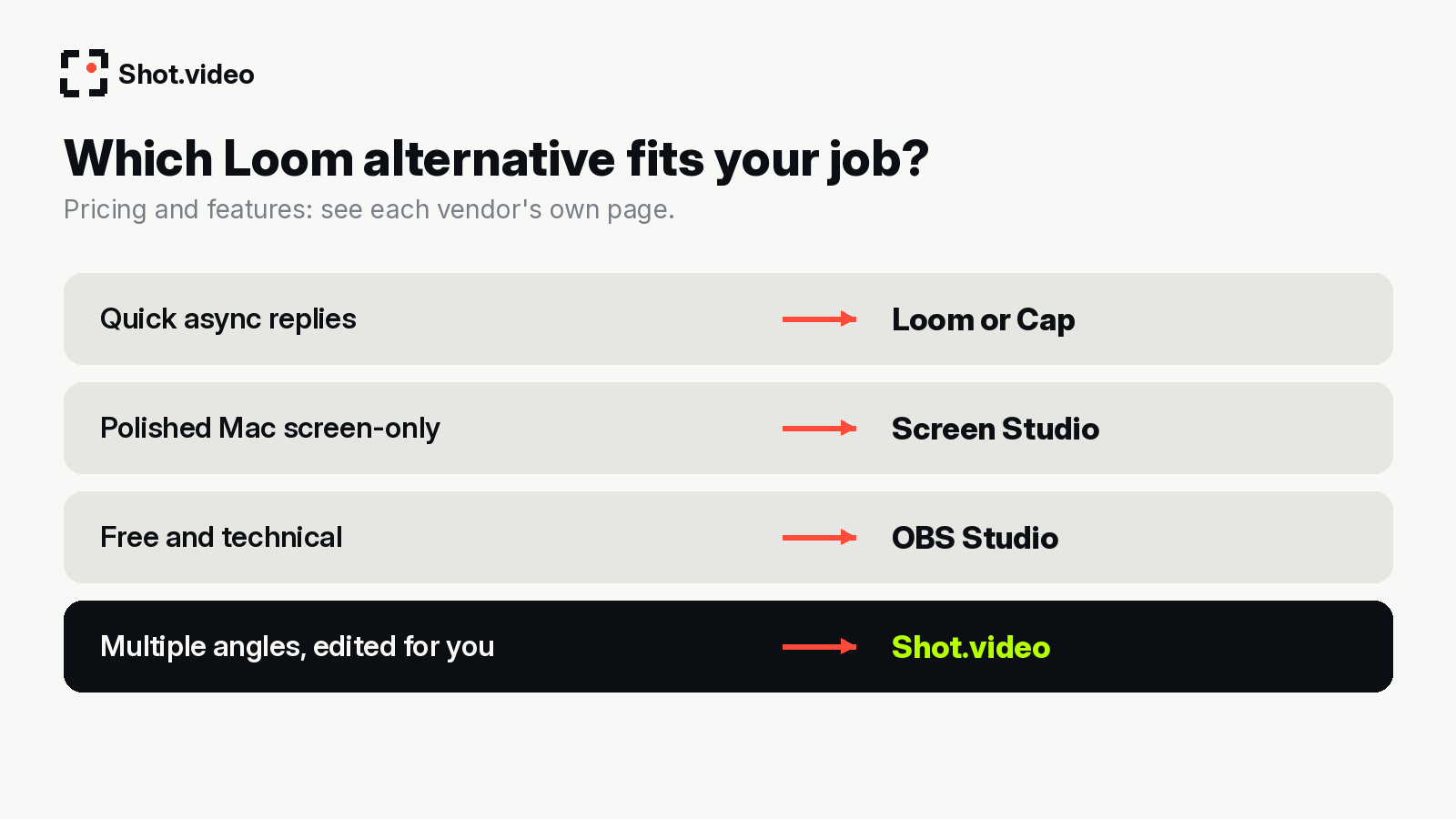 Match the tool to the job.
| ToolBest forPlatform notePricing | |||
| Shot.video | Multi-angle videos: screen, laptop camera and phones, auto-edited | Phones join by QR code, no app to install | See shot.video |
| Cap | Open-source-style Loom alternative, budget | Desktop app | Free tier; Desktop licence $29/year or $58 once; Pro $12/user/month (per Cap's pricing page) |
| Screen Studio | Beautiful Mac screen recordings with automatic zooms | Mac only (macOS 13.1+ recommended) | See vendor site |
| Zight | Screenshots, GIFs and screen video for teams | Desktop app | See vendor pricing page |
| Tella | Creator-style screen recordings | Browser/desktop | See vendor pricing page |
| OBS Studio | Free, powerful, DIY recording and streaming | Windows, Mac, Linux | Free |
1. Shot.video: best for multi-angle videos without a studio
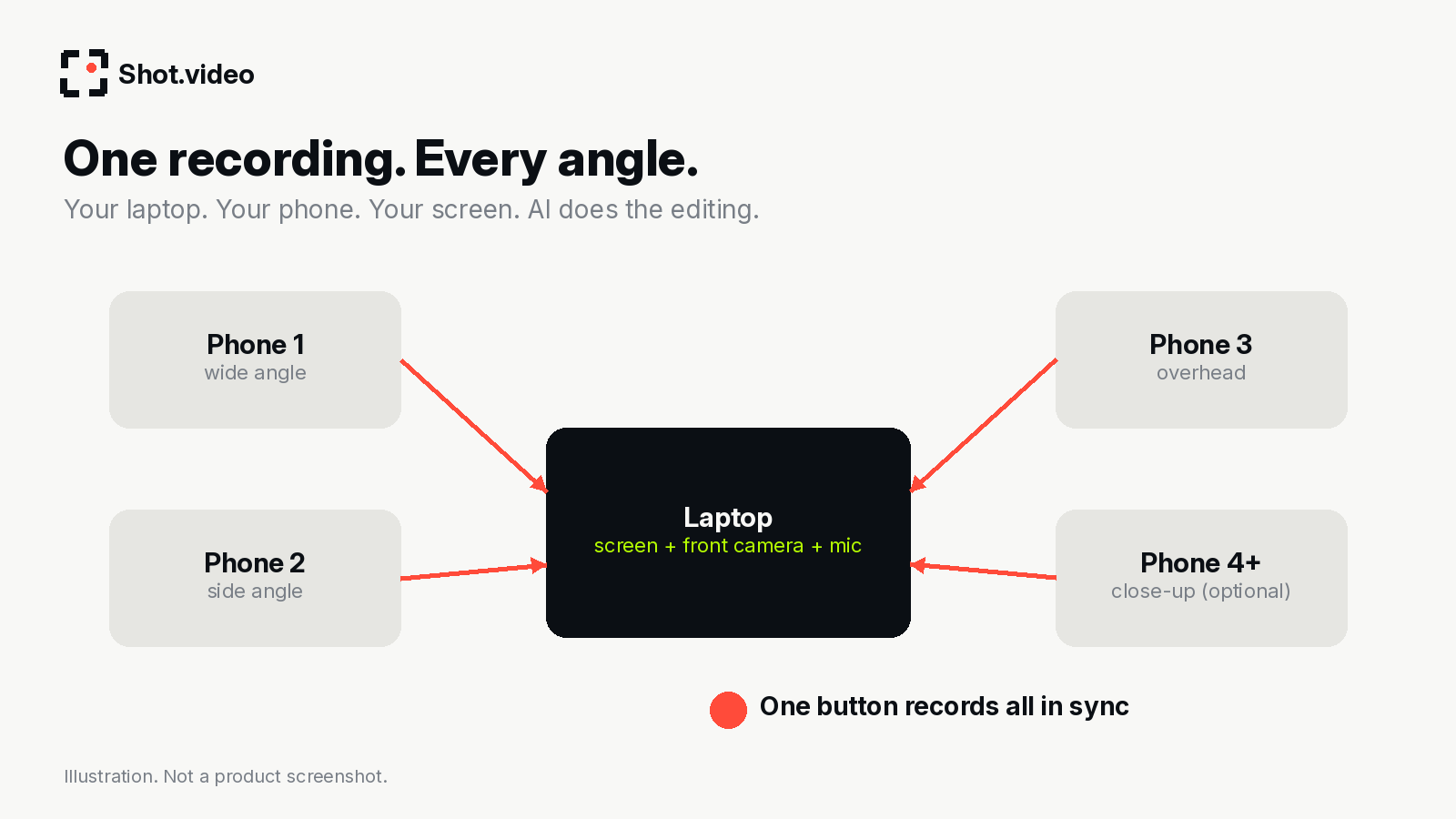 One button records every device in sync.
Shot.video describes itself as "Studio-quality videos. Without the studio." You record your screen, laptop camera and multiple phones at once. Any phone becomes a camera by scanning a QR code, with no app to install. Then AI cuts between angles (including when you look into a different camera), suggests B-roll you approve, and glides in on the part of the screen that is changing. Every choice stays editable. (source: shot.video)
In practice you can scan multiple phones for two to five angles (say a wide shot, a side angle and an overhead), while the laptop gives you the screen, front camera and mic. One button records everything in sync, and you can upload your own B-roll as well as use AI suggestions. The idea: multi-camera production as easy as recording a Loom. Your laptop. Your phone. Your screen. One recording. AI does the editing.
Choose it if you want a demo, tutorial or pitch that cuts between your face, your hands and your screen without filming setups or hours of editing. Look elsewhere if you just need a 30-second screen-and-bubble reply to a colleague. Loom or Cap is quicker for that.
2. Cap: best budget Loom-style recorder
Cap's pricing page shows a free tier, a Desktop licence at $29 per year (or $58 once for a licence that never expires) and Pro at $12 per user per month. It is a good fit if you like the Loom workflow and want it cheaper.
3. Screen Studio: best for polished Mac screen recordings
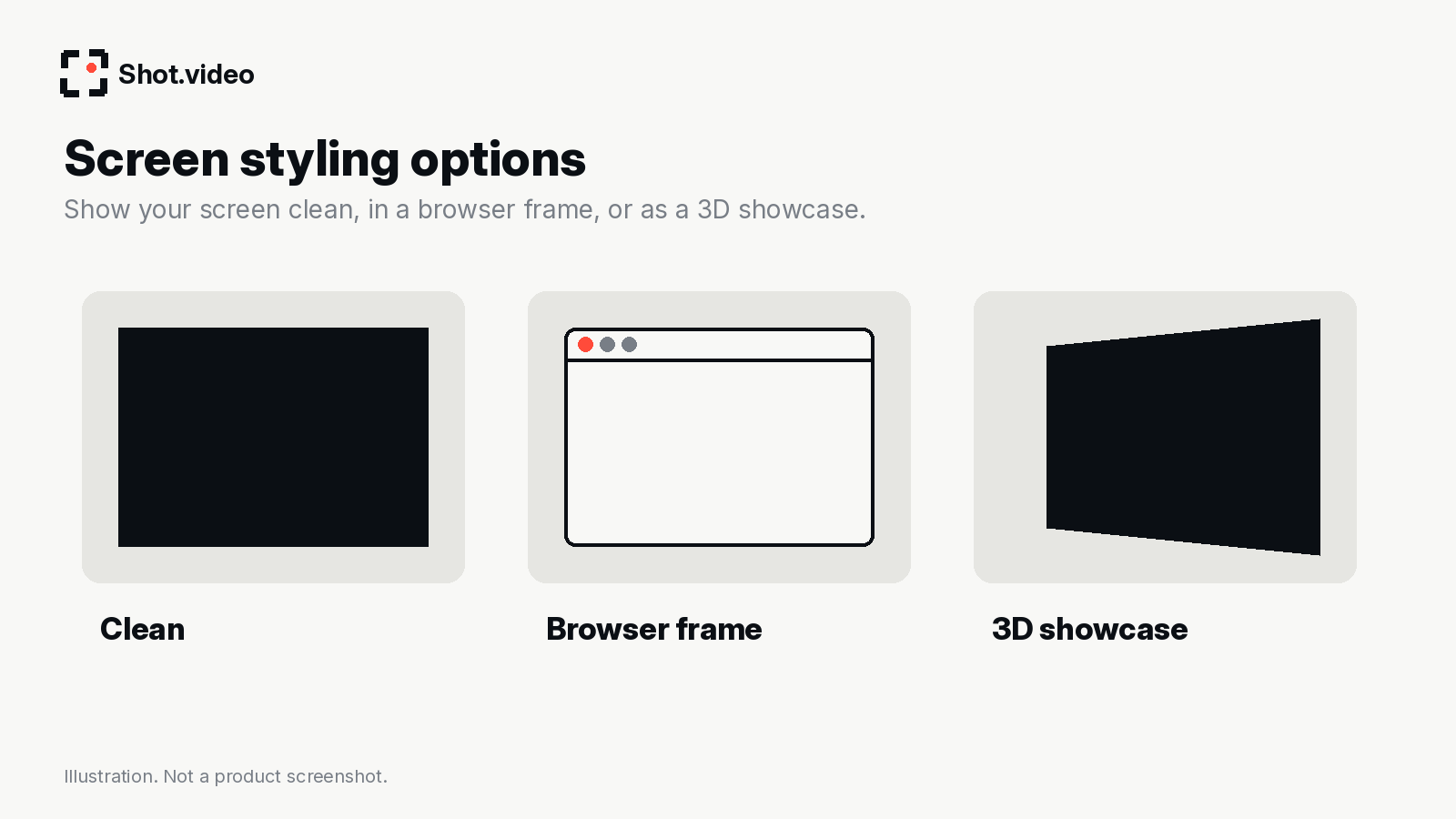 Screen styling options described on shot.video.
Screen Studio pitches automatic zooms, motion, sound and framing so "every demo and tutorial comes out polished". It is built for Mac (macOS 13.1 or later recommended, built for Apple silicon). If you are on Windows or want real camera angles as well as the screen, see our Screen Studio alternatives.
4. Zight: best for quick visual communication
Zight combines screenshots, GIFs and screen recordings. Check its pricing page for current plans.
5. Tella: best for creator-style screen videos
Tella focuses on screen recordings that look good by default. Check its pricing page for current plans.
6. OBS Studio: best free DIY option
OBS Studio is free, open source and runs on Windows, Mac and Linux. It can handle many sources, but you build scenes yourself, and extra phone cameras usually need extra apps.
How to choose
- Quick async replies: Loom or Cap.
- Polished Mac screen-only: Screen Studio.
- Free and technical: OBS.
- Multiple angles, edited for you: Shot.video.
Planning a demo? Read how to record a product demo and the multi-camera recording guide.
FAQ
Is there a free Loom alternative?
Cap lists a free tier and OBS is free. Shot.video offers "Get started free"; see its site for plan details.
Which Loom alternative supports multiple cameras?
Shot.video records your screen, laptop camera and multiple phones at once, and phones join by QR code.
Make your next product video your best one yet. Scan a QR code to connect a phone, record your screen, laptop camera and phones together, and let AI put together a polished first edit with smart cuts, zooms and B-roll. Get started free with Shot.video.
Sources
- Loom pricing (checked 29 October 2026)
- Cap pricing (checked 29 October 2026)
- Screen Studio (checked 29 October 2026)
- Zight pricing (checked 29 October 2026)
- Tella pricing (checked 29 October 2026)
- OBS Studio (checked 29 October 2026)
- Shot.video (checked 29 October 2026)